Ubuntu 10.10 Maverick with 2.6.38 kernel and fglrx 8.812
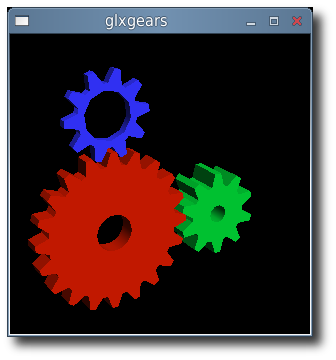
X-Swat has not updated their ati packages in a long time which means that Natty users and Maverick users with 2.6.38 (64-bit) cannot run with fglrx video drivers.
In order to get the latest 2.6.38 kernel and fglrx playing nicely together you will need to build these packages yourself.
Custom build procedure:
- Install the latest 2.6.38 kernel revision from Ubuntu Mainline.
- Download 11.1 from AMD
- Extract the files from the package:
sh ./ati-driver-installer-11-1-x86.x86_64.run --extract ati - Download the patch here, then apply it:
cd ati; patch -p1 < ../2.6.38_console.patch - Build our new ati/fglrx deb packages:
./ati-installer.sh 8.812 --buildpkg Ubuntu/maverick - Install our newly created deb packages:
sudo dpkg -i ../fglrx*.deb - If your /etc/X11/xorg.conf is missing you will need to run:
sudo aticonfig --initialand then reboot.
That newly created package should work for the entire 2.6.38 series.